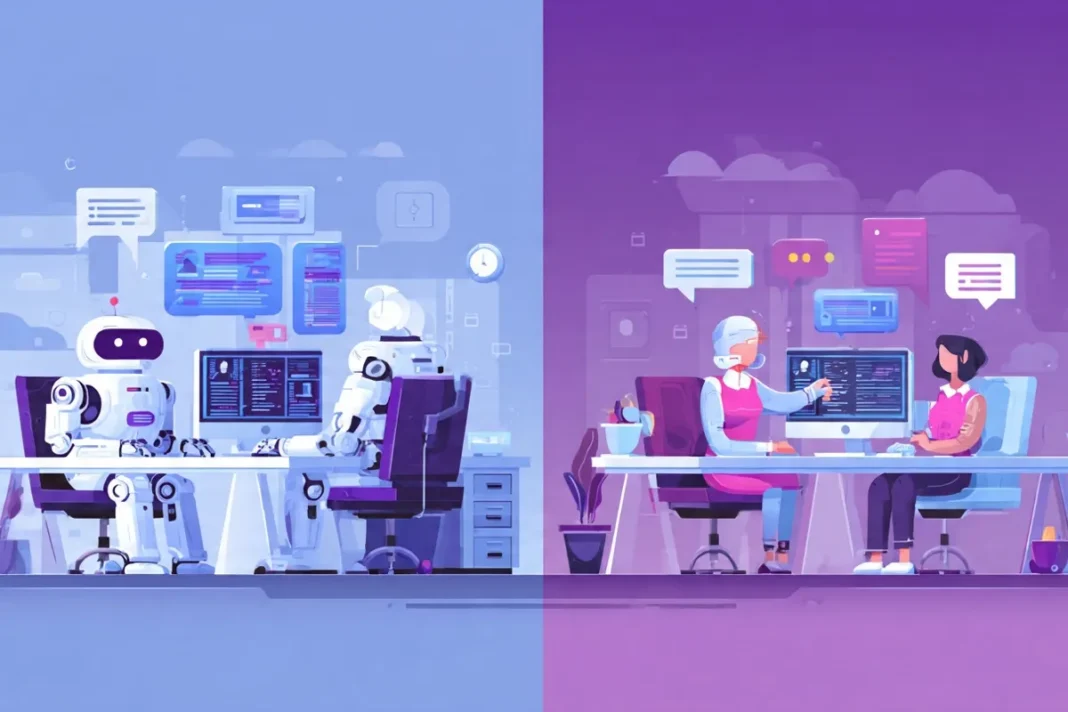
Robotic Process Automation vs Virtual Assistants is one of the most confusing topics in modern automation, especially for leaders who just want to save time and cut manual work. Many teams hear about “bots,” “digital workers,” and “virtual assistants,” but struggle to understand which option fits their processes and budget. In this guide, you will learn how each technology works, where they shine, where they fail, and how to decide which one is right for your business today.
What Is Robotic Process Automation?
Robotic Process Automation, or RPA, is software that mimics the actions of a human worker on a computer. Instead of a person clicking through screens, copying data, or sending routine emails, a software robot follows a set of rules and executes the same steps quickly and consistently.
RPA is ideal for repetitive, rule‑based tasks that rarely change. These automations can log into applications, move data between systems, fill out forms, and trigger alerts without getting tired or distracted. RPA bots can work with legacy systems, web apps, spreadsheets, and even PDFs, depending on the platform used.

From a business point of view, RPA is a way to scale output without scaling headcount. It is especially useful when a process has clear rules, structured data, and high volume, such as processing invoices or updating customer records.
Common RPA Use Cases
RPA is used across many industries to remove manual, low‑value work. Some popular examples include:
- Finance: Automating invoice processing, expense approvals, and reconciliations.
- HR: Handling employee onboarding forms and updating HR systems.
- Customer operations: Pulling data from CRMs, generating reports, and sending notifications.
- IT and back office: Resetting passwords, provisioning accounts, and moving log files.
In these scenarios, the steps do not change much from one case to another, which makes them perfect for rule‑driven RPA bots.
Attended vs Unattended RPA
When comparing Robotic Process Automation vs Virtual Assistants, it helps to understand the two main RPA styles: attended and unattended bots.
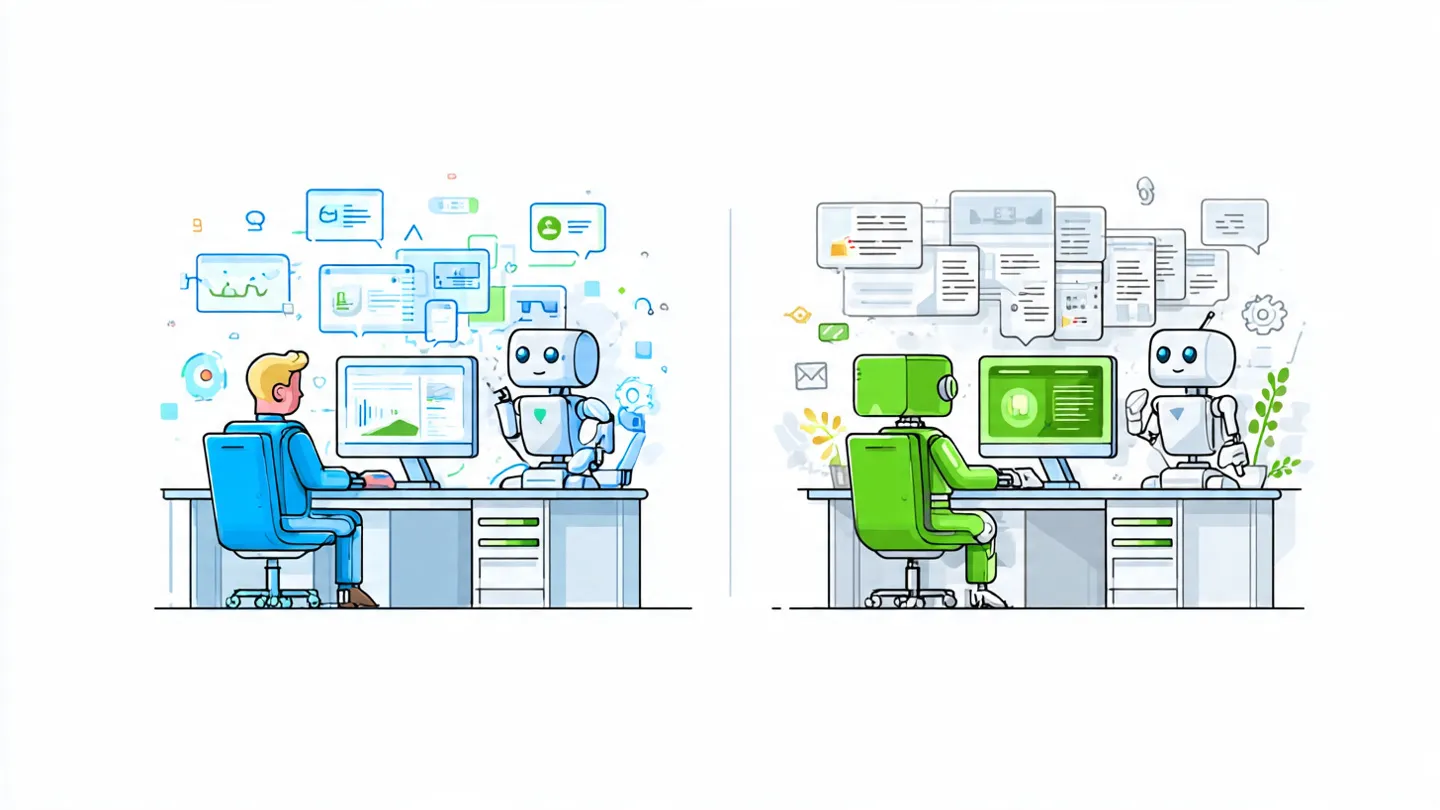
- Attended RPA runs on a user’s desktop and works alongside humans. An employee may click a button to trigger the bot, which then completes part of the task faster than the human could.
- Unattended RPA runs in the background on servers or virtual machines. These bots do not need people watching them and can work 24/7 on scheduled or event‑based jobs.
Attended RPA feels closer to a virtual assistant because it directly supports individual workers, while unattended RPA behaves more like a digital workforce handling back‑office operations at scale.
What Are Virtual Assistants?
Virtual assistants are tools or services that help people complete tasks without doing everything themselves. In business, the term “virtual assistant” usually refers to two different things: human virtual assistants and AI‑powered virtual assistants.
Human virtual assistants are real people, often working remotely, who handle tasks such as email management, scheduling, research, customer support, and content formatting. They usually work part‑time or on contract and are common in small and mid‑sized businesses.

AI virtual assistants, on the other hand, are software agents or voice assistants like Google Assistant, Siri, or specialized chatbots that respond to voice or text commands. These tools answer questions, book meetings, guide customers on websites, and help automate simple conversations.
The Growing Virtual Assistant Market
The virtual assistant industry has grown rapidly as businesses embrace flexible, remote support and digital help. The global virtual assistant services market was valued at just over 4 billion USD in 2020 and is projected to reach several times that size by 2028, with an expected compound annual growth rate above 24%. The broader virtual assistant market, including AI tools, is on track to grow from around 5 billion USD in 2023 to nearly 16 billion USD by 2028.
For digital AI assistants, the adoption curve is also strong. In 2024, Google Assistant’s user base was estimated at around 88.8 million users, with Apple’s Siri serving about 84.2 million users. This growth shows how comfortable both consumers and businesses have become with voice and chat‑based assistance.
What Human Virtual Assistants Do
A human virtual assistant can handle a wide range of tasks that require judgment, creativity, or a human touch. Typical responsibilities include:
- Managing calendars and scheduling meetings.
- Answering emails and drafting replies.
- Conducting online research and summarizing findings.
- Providing customer support via chat, email, or phone.
- Helping with social media posts, content formatting, or reporting.
Human virtual assistants are flexible and can adapt to changing instructions quickly. This makes them very different from RPA bots, which follow strict rules and need to be reconfigured when processes change.
What AI Virtual Assistants Do
AI virtual assistants use natural language processing and sometimes machine learning to understand user requests and respond in a conversational way. Examples include:
- Voice assistants that answer questions, play music, or control smart devices.
- Website chatbots that guide visitors, answer FAQs, or collect lead information.
- Digital agents that help employees find documents or submit IT requests.
These assistants can handle flexible, unstructured conversations but often still depend on predefined flows or scripts, especially in customer service settings.

Robotic Process Automation vs Virtual Assistants: Core Differences
Although both technologies help automate work, Robotic Process Automation vs Virtual Assistants differ in how they operate, what they handle, and how they are deployed.
Technical vs Human‑Like Interaction
RPA works behind the scenes at the application or system level. It does not talk to customers or employees in natural language but simply performs tasks like clicking, typing, and reading fields based on fixed rules.
Virtual assistants, especially AI‑based ones, focus on interaction. They talk or chat with users, answer questions, and guide people through steps, often using conversational interfaces. Human virtual assistants provide real human interaction, which is valuable when empathy, complex judgment, or negotiation is needed.
Rule‑Based vs Adaptive Behavior
RPA bots are strictly rule‑based. They execute pre‑programmed workflows and cannot adapt to new situations unless a developer or analyst updates their logic. This makes RPA powerful for structured tasks but weak when inputs vary or rules are unclear.
Virtual assistants may include AI models that learn from data or handle more flexible language. Over time, AI assistants can improve responses or handle a broader set of questions without changing the underlying code for each new variation. Human virtual assistants adapt naturally, using their judgment to handle exceptions and complex cases.
Front Office vs Back Office
When comparing Robotic Process Automation vs Virtual Assistants, another key difference is where they are used.
- RPA is often used in back‑office workflows such as finance, HR, and IT operations. These processes involve large volumes of repetitive tasks that can be standardized.
- Virtual assistants typically show up in front‑office and customer‑facing scenarios, like customer support chat, sales, marketing, and executive assistance.
This does not mean they cannot overlap. A customer support chatbot (virtual assistant) might collect information from the user and then trigger an RPA bot to update internal systems.
Benefits of Robotic Process Automation
RPA’s popularity is tied to its ability to deliver clear, measurable benefits quickly when implemented on the right processes.
Efficiency and Cost Savings
RPA bots can work around the clock and handle high volumes of work without breaks or overtime. Organizations using RPA have reported cost savings of 40–70% on some manual processes, largely by reducing the time and labor required.
Because bots follow the same steps every time, they also reduce errors, leading to better data quality and fewer issues down the line. This combination of speed and accuracy helps teams focus on higher‑value work instead of repetitive tasks.
Improved Compliance and Auditability
Many industries require strict compliance with regulations and internal policies. RPA can help by enforcing consistent execution of steps and capturing logs for each run. This makes audits easier and reduces the risk of non‑compliance, especially in finance and healthcare.
Scalability
When demand spikes, organizations can scale RPA by adding more bots or running them on additional virtual machines. This is much faster than hiring and training new staff and allows companies to handle seasonal or unexpected volume without compromising service levels.
Drawbacks of Robotic Process Automation
RPA is not a silver bullet. There are clear limits that matter when you compare Robotic Process Automation vs Virtual Assistants.
High Setup and Maintenance Effort
Building and maintaining RPA solutions can be complex. Processes must be well understood and stable before automation, and any change in the user interface, underlying applications, or business rules can break bots. This leads to ongoing maintenance costs and the need for dedicated automation teams.
Limited Intelligence
Pure RPA does not “understand” content; it just follows rules. It struggles with unstructured data, complex decisions, or conversations. To handle smarter tasks, RPA often needs to be combined with AI models, OCR, or decision engines, which adds complexity.
Risk of Misuse
Some organizations try to use RPA to fix broken processes instead of improving them first. This can lead to automating inefficient workflows, which locks in bad habits instead of creating better ones.
Benefits of Virtual Assistants
Virtual assistants shine in areas where communication, flexibility, and human‑like support matter. This is true for both human and AI‑based assistants.
Flexibility and Adaptability
Human virtual assistants can switch tasks easily, learn new tools, and handle unusual requests with minimal setup. This flexibility reduces the need for complex technical projects every time a new task appears.
AI virtual assistants can be retrained or updated with new scripts and intents to support new queries over time. As natural language models improve, these assistants can handle more varied input without precise rules.
Better Customer and Employee Experience
Virtual assistants provide real‑time help through chat or voice, which improves user experience. For example, government agencies using chatbots for citizen questions have seen drops of up to 70% in email inquiries, allowing staff to focus on more complex issues. In businesses, assistants can guide customers to the right information quickly, improving satisfaction and reducing wait times.
Cost‑Effective Support
Hiring a full in‑house team for every function is expensive, especially for small businesses. Human virtual assistants can be hired on flexible contracts, and AI virtual assistants can handle thousands of interactions at a relatively low marginal cost. This makes them attractive for startups and growing companies that need support but have limited budgets.
Drawbacks of Virtual Assistants
Virtual assistants also have limitations that matter in the Robotic Process Automation vs Virtual Assistants comparison.
Quality and Consistency
Human virtual assistants vary in skill, reliability, and communication style. If expectations are not clear or training is weak, performance may be inconsistent. There can also be security and confidentiality concerns when outsourcing sensitive work.
AI virtual assistants can misunderstand user queries, provide generic answers, or fail on edge cases. Poorly designed chatbots sometimes frustrate users more than they help, especially when they make it hard to reach a human.
Limited Process Automation
Virtual assistants excel at interaction, but they are not always ideal for deep, system‑level automation. A virtual assistant might collect information, but it still needs integration with other systems or support from RPA or APIs to complete end‑to‑end processes.
Robotic Process Automation vs Virtual Assistants: Side‑By‑Side
The table below summarizes key differences between Robotic Process Automation vs Virtual Assistants.
| Aspect | Robotic Process Automation (RPA) | Virtual Assistants (Human & AI) |
| Primary focus | Automating rule‑based, repetitive tasks in systems and applications | Assisting people with tasks, communication, and decisions |
| Interaction style | No direct conversation; works in the background | Conversational via chat, voice, or human interaction |
| Intelligence level | Rule‑based; limited adaptability unless combined with AI | Human judgment or AI that can handle flexible requests |
| Best for | High‑volume, stable back‑office processes (finance, HR, IT) | Customer support, executive assistance, content, and flexible tasks |
| Setup effort | Requires process mapping, development, and maintenance | Human VAs require onboarding; AI VAs need training and scripts |
| Scalability | Scales by adding more bots and server capacity | Scales by adding more VAs or expanding AI capacity |
| Typical ROI drivers | Labor savings, error reduction, faster processing | Improved customer experience, flexible coverage, time savings |

How RPA and Virtual Assistants Work Together
In many modern workflows, the best option is not choosing Robotic Process Automation vs Virtual Assistants, but combining them. Virtual assistants manage conversations and gather context, while RPA executes system‑level tasks behind the scenes.
For example, a customer support chatbot could collect a user’s details and reason for contact. Once the chatbot has structured information, it triggers an RPA bot to update internal CRMs, create tickets, or issue refunds according to defined rules. This mix delivers a smooth experience for the customer and high efficiency for the business.

As AI agents become more capable, some platforms now blend conversational AI with process automation, creating digital workers that can both talk to people and act in systems. These solutions can reduce hand‑offs and support more complex end‑to‑end processes.
Real‑World Examples and Case Studies
To make this comparison more practical, consider a few sample scenarios where Robotic Process Automation vs Virtual Assistants may be used.
Example 1: Finance Team Automating Invoices
A mid‑sized company receives thousands of invoices each month. Staff members used to manually check details, enter data into the accounting system, and send payment confirmations.
- RPA bots now read invoice data, validate it against purchase orders, and post entries into the finance system.
- A human virtual assistant monitors exceptions, such as missing approvals or mismatched amounts, and escalates them to the right finance manager.
In this case, RPA handles the repetitive work while the virtual assistant manages communication and exceptions.

Example 2: Customer Support for a City Government
A city launches a chatbot to answer common questions about services, benefits, and permits. After launch, the chatbot handles tens of thousands of questions, reducing email inquiries by up to 70% and freeing staff for more complex tasks.
Behind the scenes, RPA bots can be used to update internal records when residents submit forms, change contact details, or request certificates. Here, the virtual assistant manages the conversation, while RPA manages the internal process execution.
Example 3: Startup Founder Managing Time
A startup founder uses a human virtual assistant to manage the calendar, schedule meetings, and prepare simple reports. The VA works part‑time and adapts quickly when priorities change.
To support finance and analytics, the founder introduces RPA bots that extract data from banking portals, CRMs, and spreadsheets, and then compile weekly dashboards. The combination allows the founder to focus on strategy and growth.
When to Choose RPA, Virtual Assistants, or Both
Choosing between Robotic Process Automation vs Virtual Assistants depends on your goals, process characteristics, and resources.

Consider RPA if:
- Your processes are repetitive, rule‑based, and high volume.
- You want to reduce manual data entry, report generation, or system updates.
- You have stable applications and can invest in process mapping and maintenance.
Consider virtual assistants if:
- You need help with customer conversations, scheduling, email, or content.
- Your tasks require human judgment or flexible language understanding.
- You want to improve user experience and provide real‑time support.
Consider using both if:
- You want conversational interfaces that trigger deep system actions.
- You handle large volumes of service requests that must be processed end‑to‑end.
- You are building a digital workforce that mixes human, AI, and RPA capabilities.
Step‑By‑Step Guide to Getting Started
To turn this knowledge of Robotic Process Automation vs Virtual Assistants into action, follow a simple step‑by‑step approach.

Step 1: Map Your Processes
Start by listing key tasks and processes across your team. For each process, note:
- Frequency: How often does it happen?
- Volume: How many cases per day or month?
- Rules: Are steps repeatable and clearly defined?
- Systems: Which applications are used?
Stable, rule‑driven, high‑volume tasks are good RPA candidates. Processes that require conversation or frequent judgment are better suited for virtual assistants.
Step 2: Clarify Your Goals
Decide what success looks like. You may want to:
- Cut processing time by a certain percentage.
- Reduce manual errors and rework.
- Improve customer satisfaction scores.
- Free up leadership time from admin tasks.
Clear goals help you choose the right mix of Robotic Process Automation vs Virtual Assistants and justify investment.
Step 3: Pilot One Use Case
Select one manageable process as a pilot, such as automating a single report or adding a chatbot to answer FAQs on one page.
- For RPA: Choose a vendor or open‑source platform, define the workflow, and test with a small group.
- For virtual assistants: Choose a VA service or chatbot tool, define scripts, and measure user feedback.
Use metrics like time saved, error rate, and user satisfaction to evaluate the pilot.
Step 4: Scale and Integrate
Once the pilot works, expand to more processes and consider linking RPA and virtual assistants.
For example:
- Let a chatbot collect user details and then call an RPA bot to complete a back‑end transaction.
- Have a human virtual assistant oversee several RPA bots, handling exceptions and communication.
This layered approach creates a more powerful automation ecosystem than relying on just one technology.
What is the difference between Robotic Process Automation vs Virtual Assistants?
Robotic Process Automation uses software bots to automate repetitive, rule‑based tasks in business systems, while virtual assistants (human or AI) focus on helping people through communication, flexible support, and decision‑making.
FAQ: Robotic Process Automation vs Virtual Assistants

- What is the main difference between Robotic Process Automation vs Virtual Assistants?
The main difference is that RPA automates back‑end, rule‑based tasks inside systems, while virtual assistants provide front‑end support for people through chat, voice, or human services. - Can RPA replace human virtual assistants?
RPA can replace parts of a human VA’s work that are repetitive and structured, but it cannot fully replace human judgment, creativity, or nuanced communication. Many businesses use RPA to support, not replace, their virtual assistants. - Do I need AI to use RPA effectively?
No, basic RPA works with fixed rules and does not require AI, though adding AI can help with tasks like reading unstructured documents or making smarter decisions. Many companies start with simple rule‑based RPA and add AI later. - Are AI virtual assistants better than RPA bots?
Neither is “better” in all cases. AI virtual assistants excel at conversations and flexible requests, while RPA bots excel at precise, high‑volume tasks. The best solution often combines both technologies. - Is Robotic Process Automation vs Virtual Assistants relevant for small businesses?
Yes, small businesses can benefit from RPA for repetitive admin tasks and from virtual assistants for customer support and executive assistance. Flexible pricing and cloud tools have made both options more accessible to smaller teams. - How much can I save by using RPA or virtual assistants?
Savings depend on your processes, but RPA has been reported to cut labor costs by 40–70% on some tasks, while virtual assistants allow businesses to access talent or support without full‑time hires. - Will RPA and virtual assistants take away jobs?
These tools shift work away from repetitive tasks toward higher‑value activities. Many organizations use RPA and virtual assistants to help staff focus on problem‑solving, customer care, and strategy instead of manual data work.
Conclusion and Call‑To‑Action
Understanding Robotic Process Automation vs Virtual Assistants is essential if you want to build a smart, scalable automation strategy. RPA is ideal for repetitive, rule‑based tasks in your systems, while virtual assistants—human or AI—shine in communication, flexible support, and decision‑making at the front line.
Also, look at the “Most Powerful People in the World in 2026″
The most powerful approach is not choosing one side in the Robotic Process Automation vs Virtual Assistants debate, but combining both technologies where they fit best. Start by mapping your processes, clarifying your goals, piloting one use case, and then layering conversational assistants with system‑level automation. If you are ready to explore how automation can transform your workflows, begin with one process this month and test whether RPA, virtual assistants, or a mix of both delivers the strongest impact.

References:
- https://www.clearscope.io/blog/how-to-optimize-blog-posts-for-seo
- https://www.linkedin.com/pulse/benefits-rpa-robotic-process-automation-virtual-krishnakumar-pandey
- https://www.cloudoffix.com/blog/the-differences-between-robotic-process-automation-and-autonomous-ai-agents
- https://fpt.ai/blogs/rpa-vs-ai-agents/
- https://www.automationanywhere.com/rpa/intelligent-automation-vs-rpa
- https://www.automationanywhere.com/rpa/attended-vs-unattended-rpa
- https://www.startus-insights.com/innovators-guide/virtual-assistant-market-report/
- https://scoop.market.us/virtual-assistant-statistics/
- https://invedus.com/blog/virtual-assistant-statistics-va-statistics/
- https://taskdrive.com/marketing/virtual-assistant-stats/


